Show patients their best — and the cost of waiting.
HairDraw turns the consultation into a visual conversation. You draw where you plan to treat; within seconds the patient sees an illustrative simulation on their own photo — if untreated, today, and after treatment.
Already a customer? Sign in
Coming to the App Store for iPad and iPhone
Doctor-controlled · Illustrative simulation · Not a promise of results
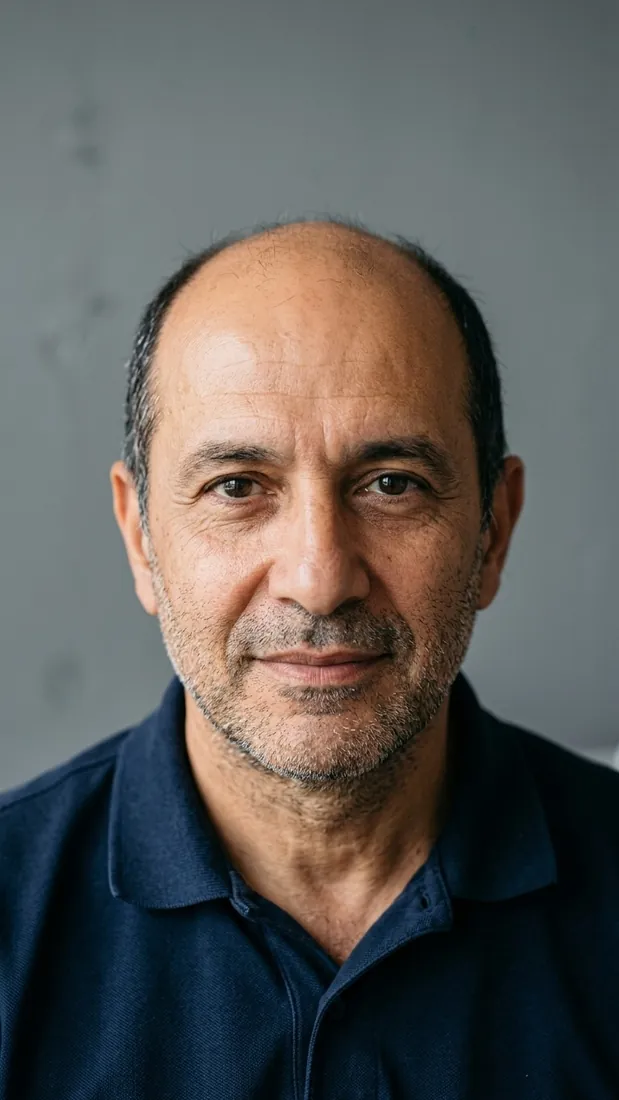
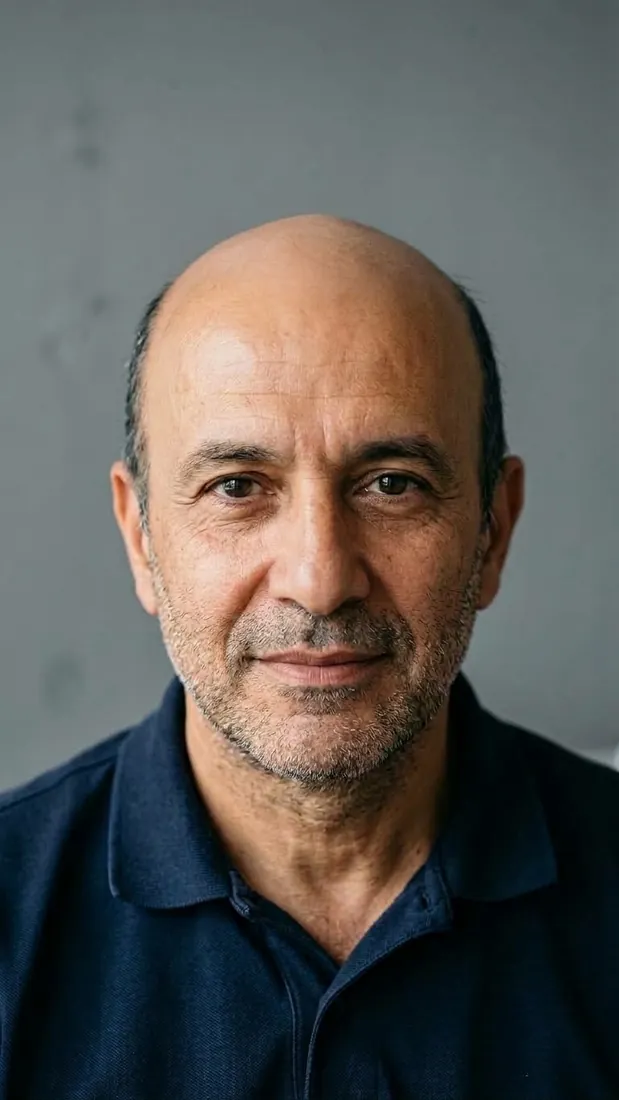
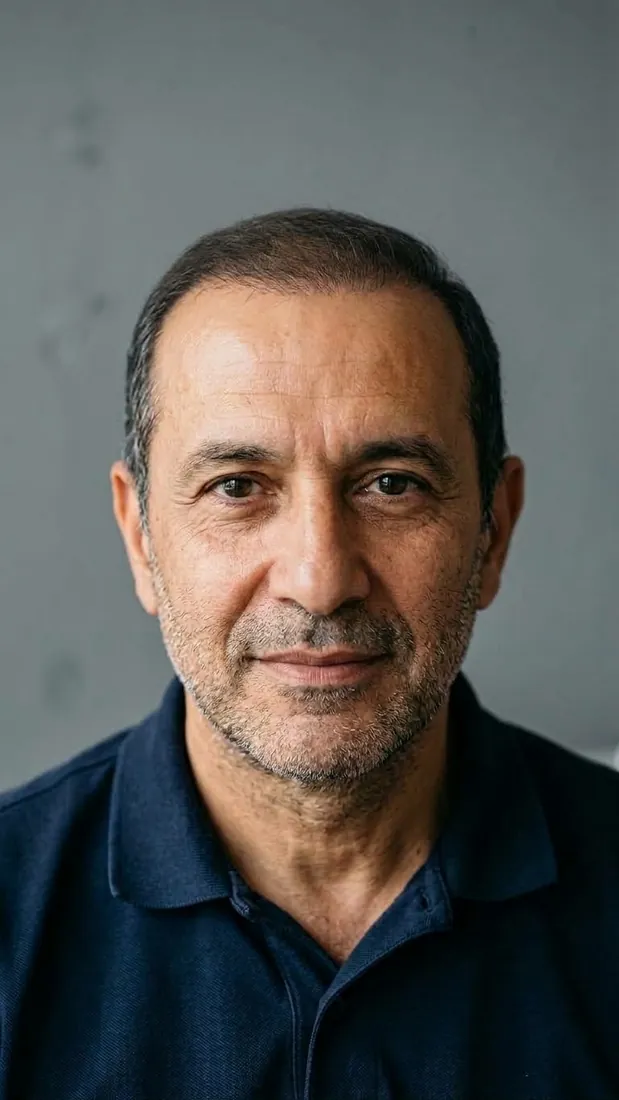 Illustrative simulation
- Doctor-controlled
- Illustrative, not a promise
- Results in seconds
- 5 languages
Picturing the result on your own face is hard.
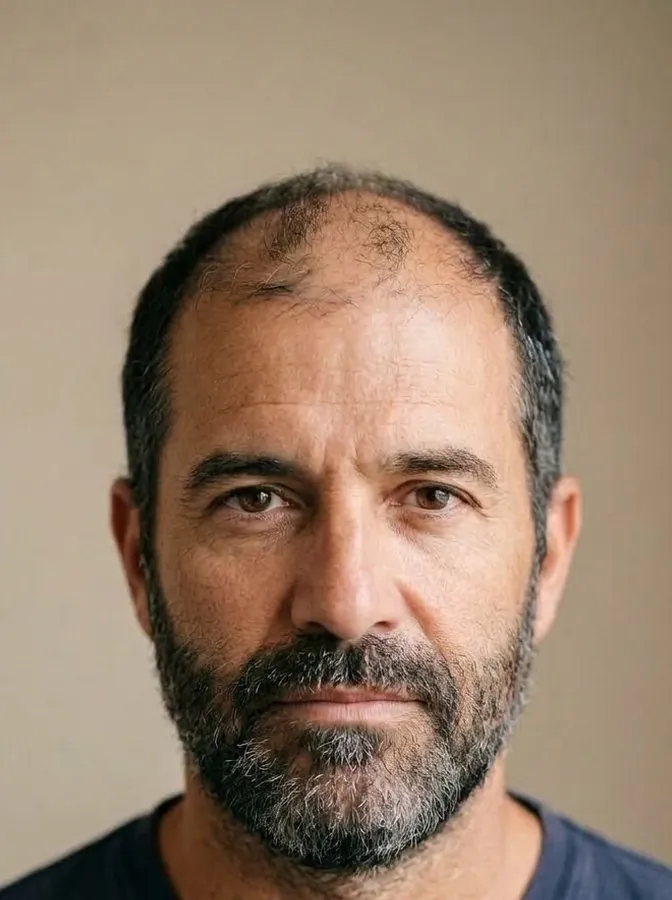
Hair, beard or eyebrows: patients arrive with an idea in mind and try to imagine it on themselves. Photos of other people only go so far. HairDraw shows the plan on the patient’s own photo, so you are both looking at the same picture.
Their own face, not someone else’s
Other people’s photos show a different face, hairline, beard line or brow shape. The plan is easier to relate to on their own photo.
Timing, made visible
An illustrative “if untreated” view turns the conversation about when to act into something both of you can see.
One shared picture
Hairline, beard density or brow shape: with the same simulation in front of you, it is easier to agree on what you are aiming for.

Four steps, inside the consultation you already run.
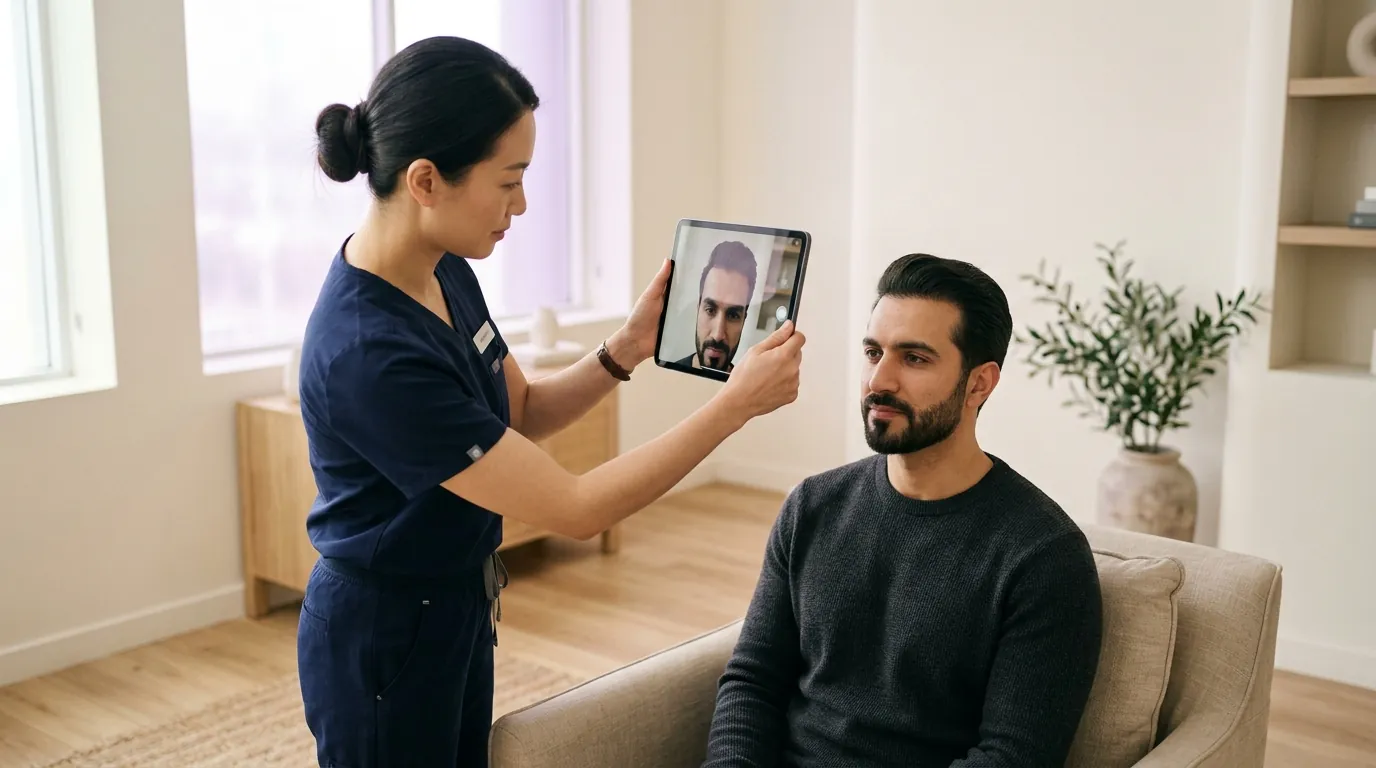
Photograph
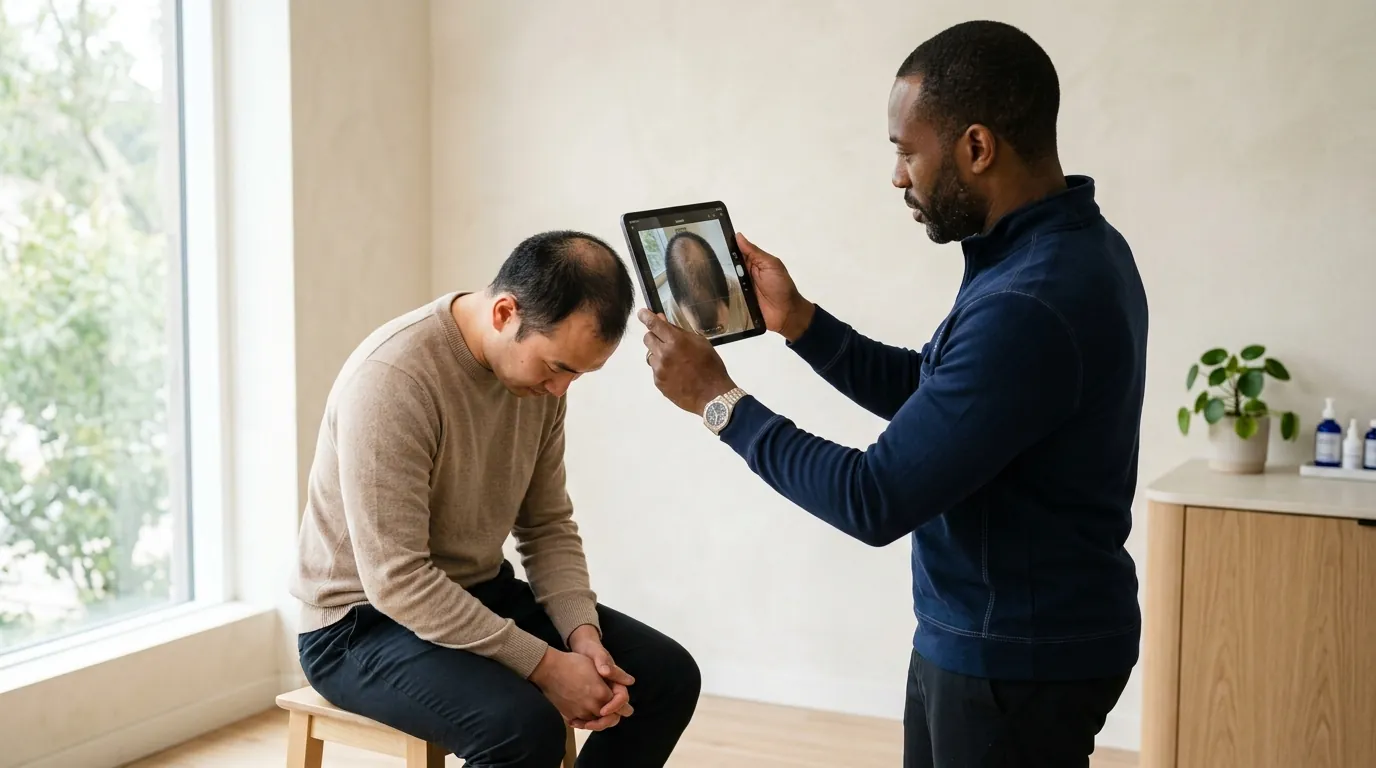
Take photos in the consultation room. HairDraw detects the angle — front, 45°, profile, top or crown — and tags it for you.
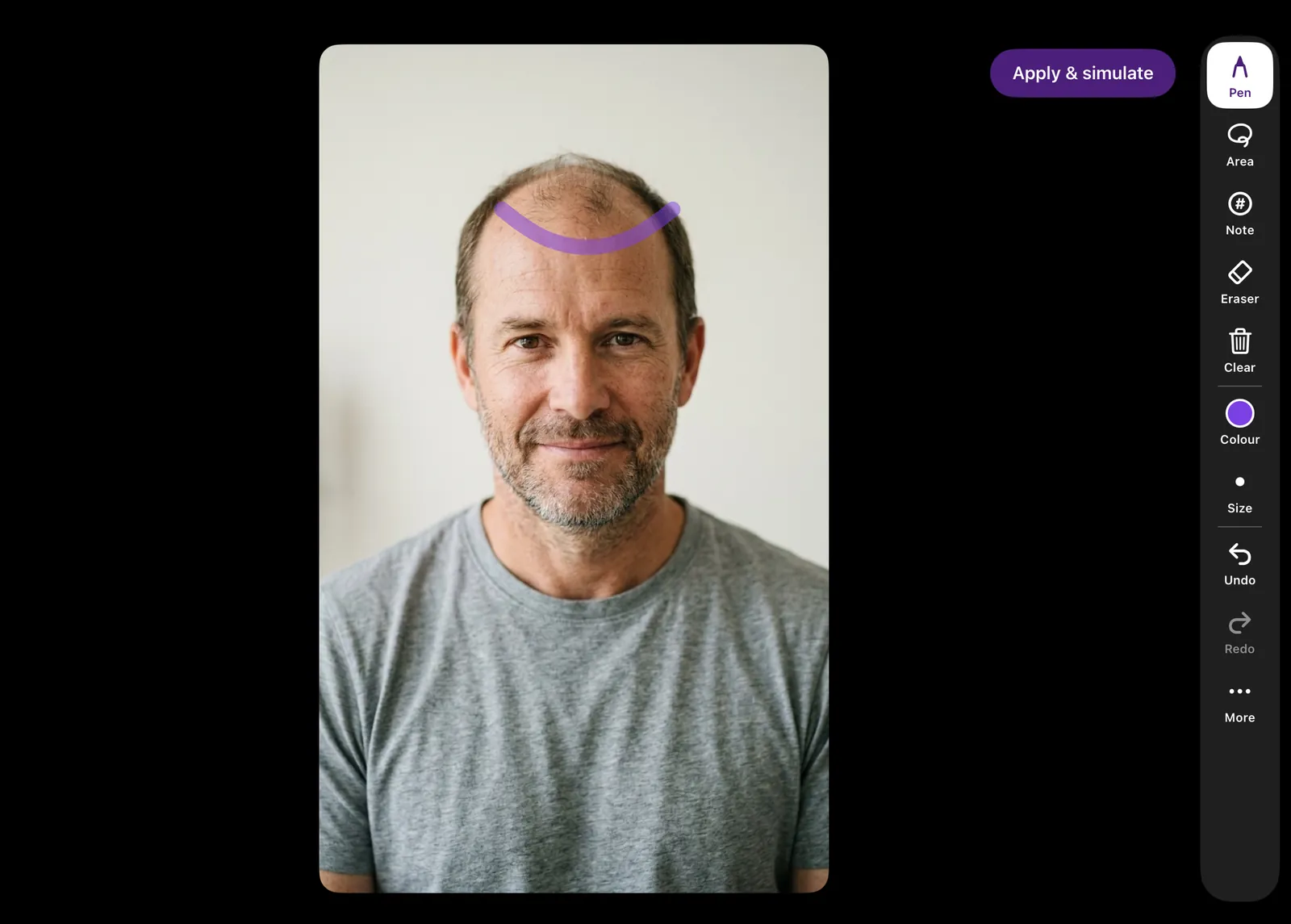
Refine
Sketch the planned hairline or area directly on the photo and add numbered notes. Your drawing guides the simulation.
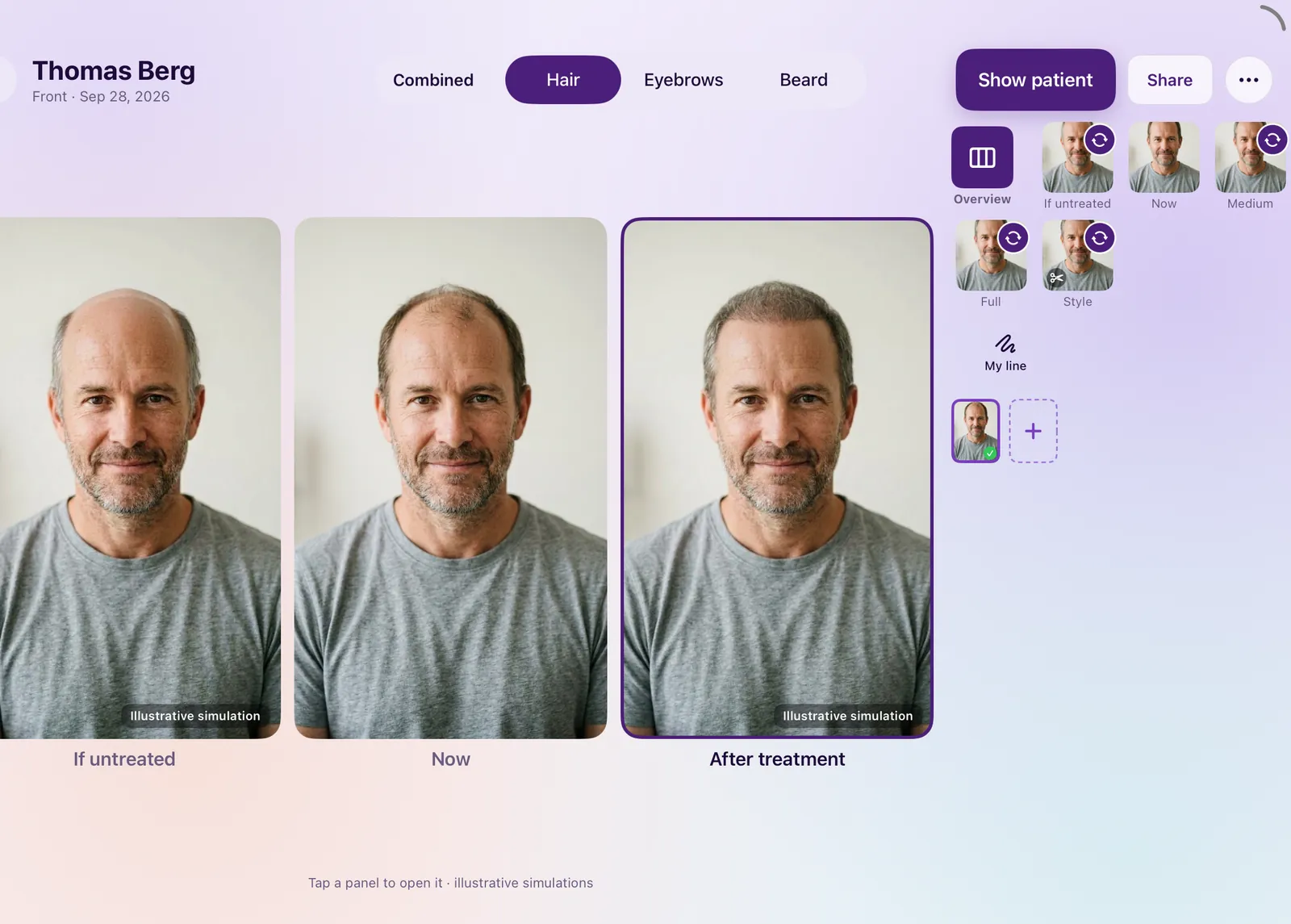
Simulate
Within seconds, HairDraw renders Medium and Full stages, a projection if untreated and an optional styling preview. No artificial waiting.
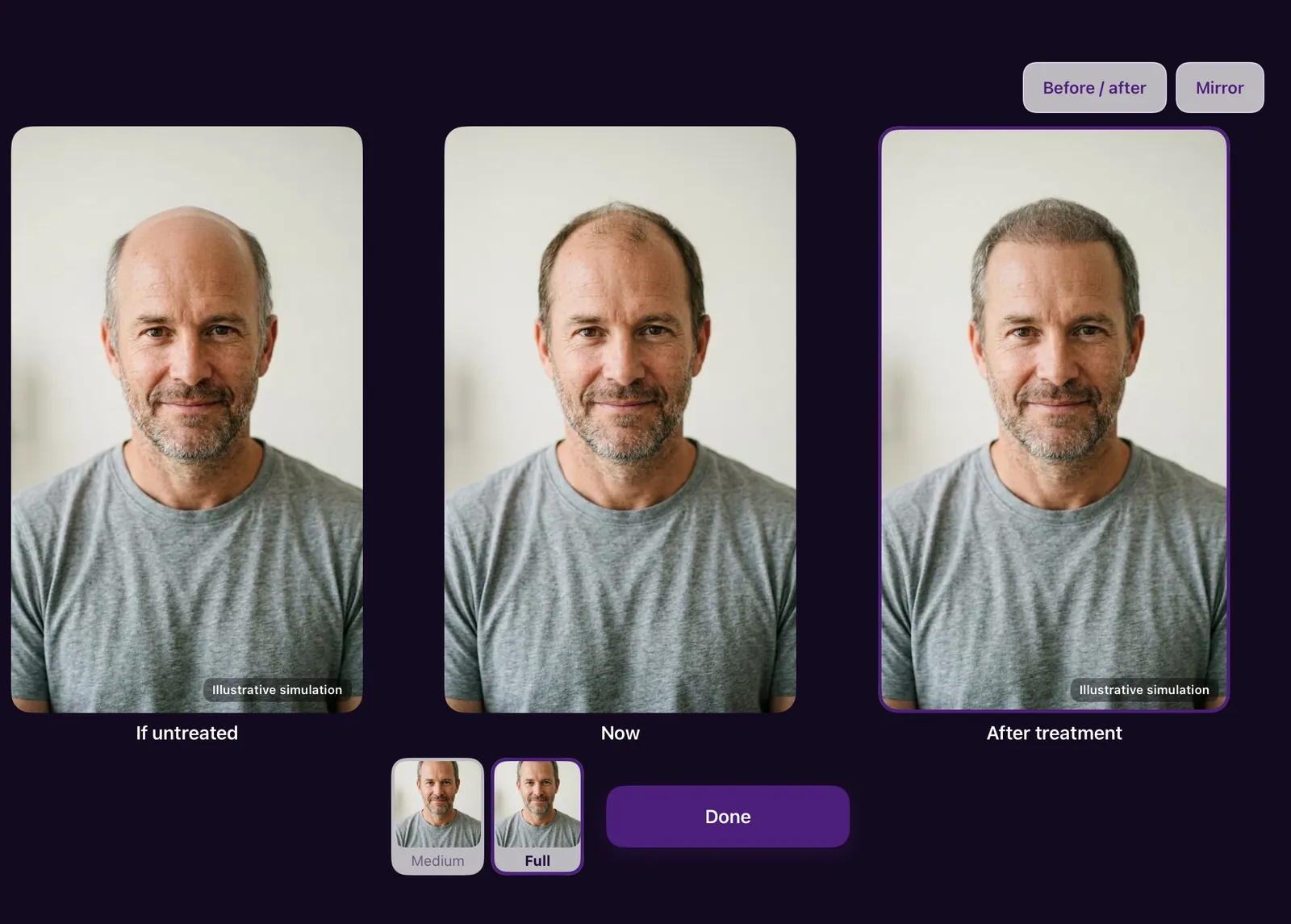
Show
Present full-screen: fade from worse to now to better, or compare with a before/after curtain. Every generated image is labelled “Illustrative simulation”.
 Illustrative simulation
 Illustrative simulation
 Illustrative simulation
 Illustrative simulation
The same consultation, on the phone in your hand.
HairDraw runs on iPhone as well as iPad, with the same doctor-controlled workflow: photograph, draw, simulate, show. Hand the phone to the patient and they see the result up close — every generated image labelled “Illustrative simulation”.
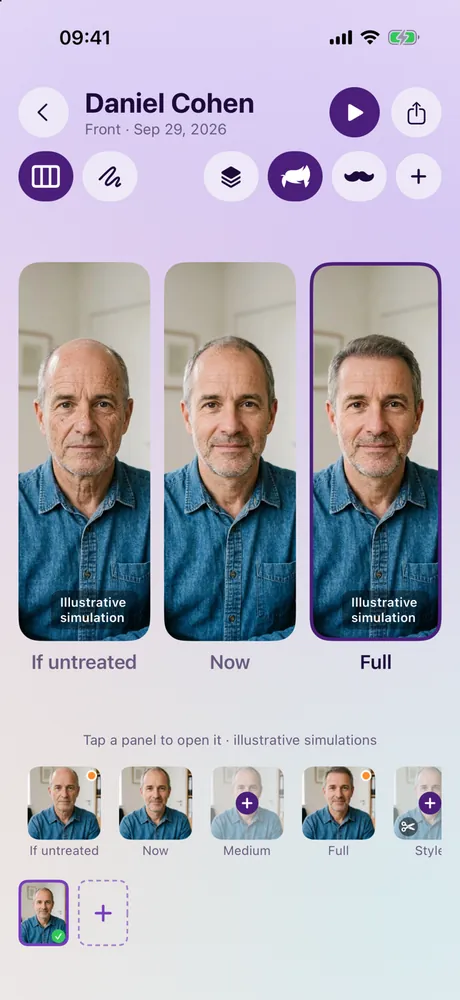
If untreated · Now · Full 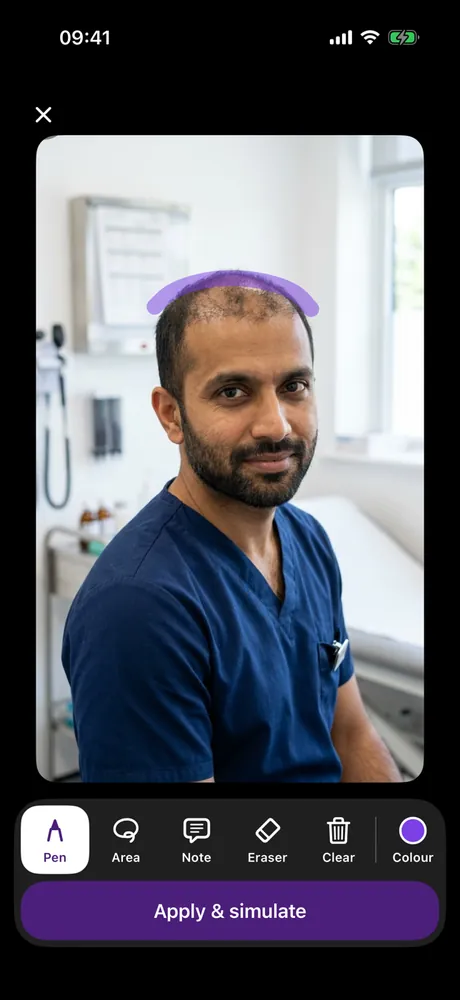
Draw the hairline with a finger 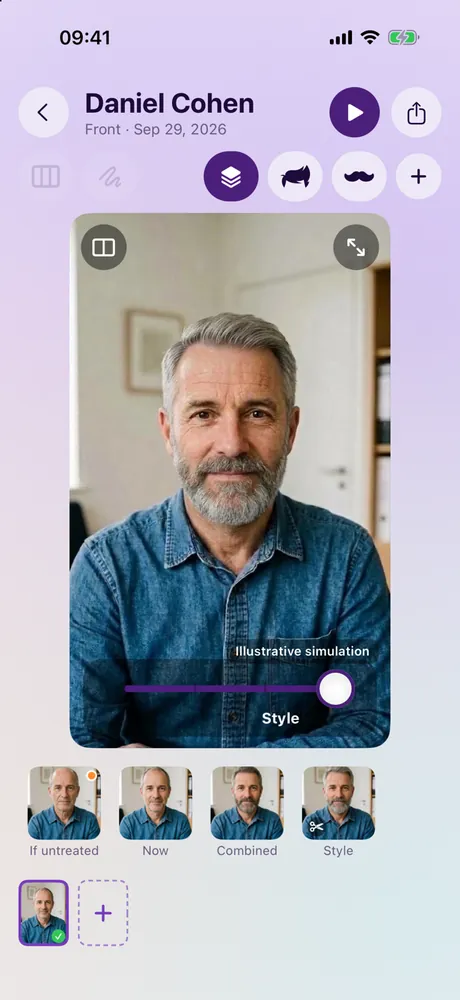
Hair + beard, with a styling preview 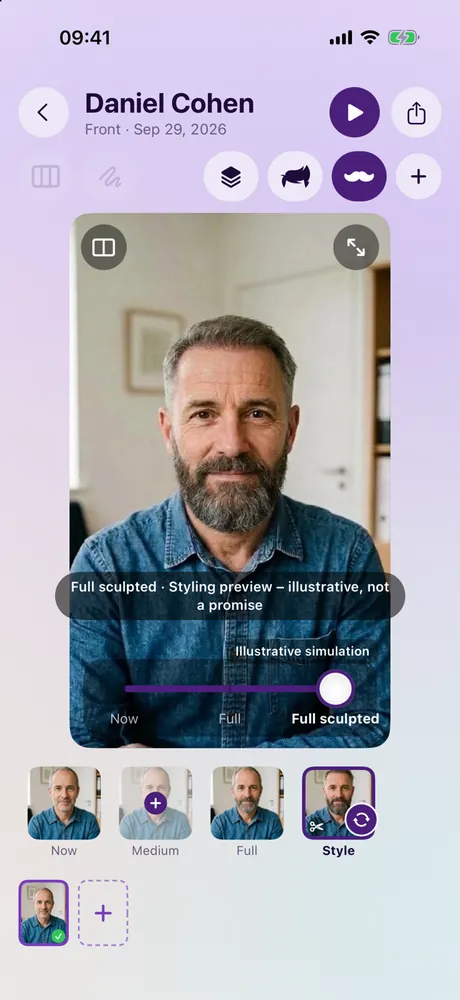
Beard · Full sculpted, Style 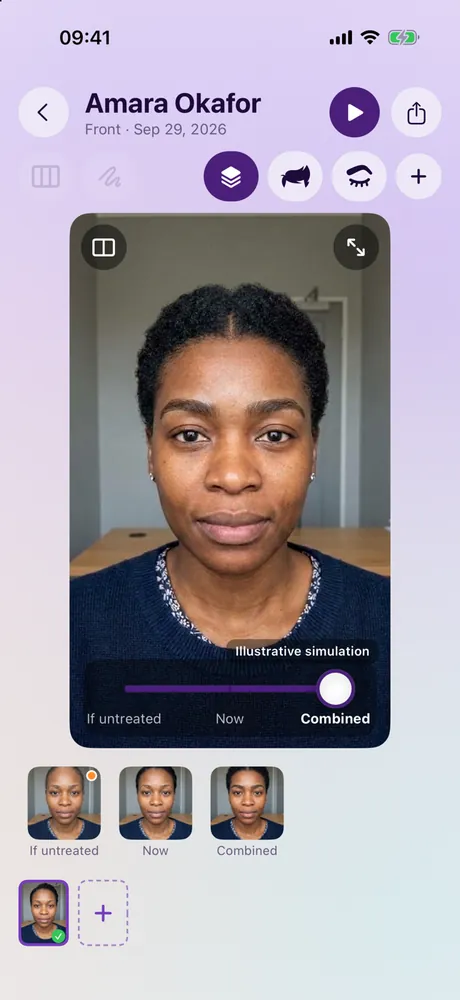
Hair + eyebrows, combined
iPhone screens with fictional patients. Illustrative simulations — not a promise of results.
The whole conversation in one gesture.
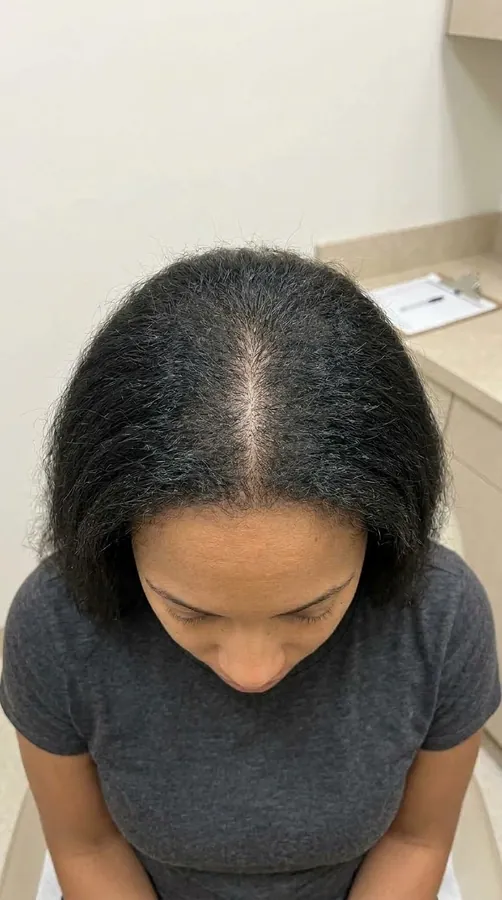
Showing what may happen if hair loss progresses is as informative as showing a possible result. One fade slider takes the patient from one to the other — on their own photo, with the same face, light and clothes. Only the hair changes.
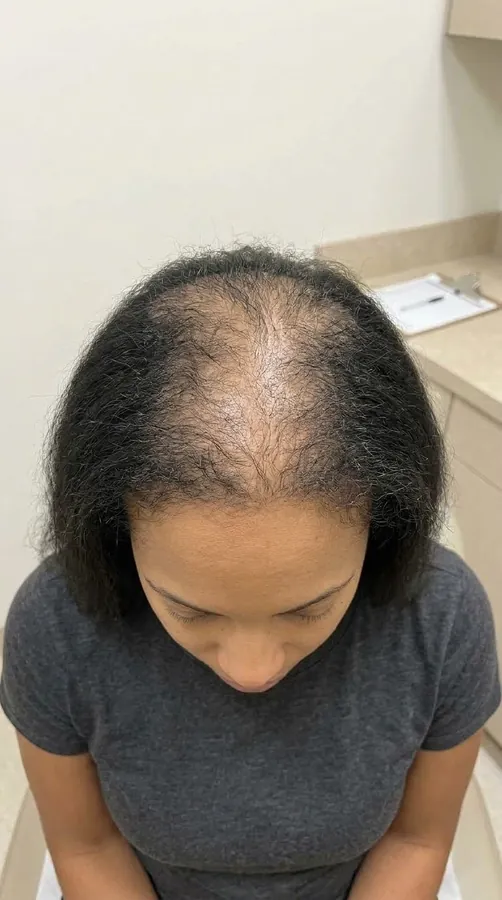 Illustrative simulation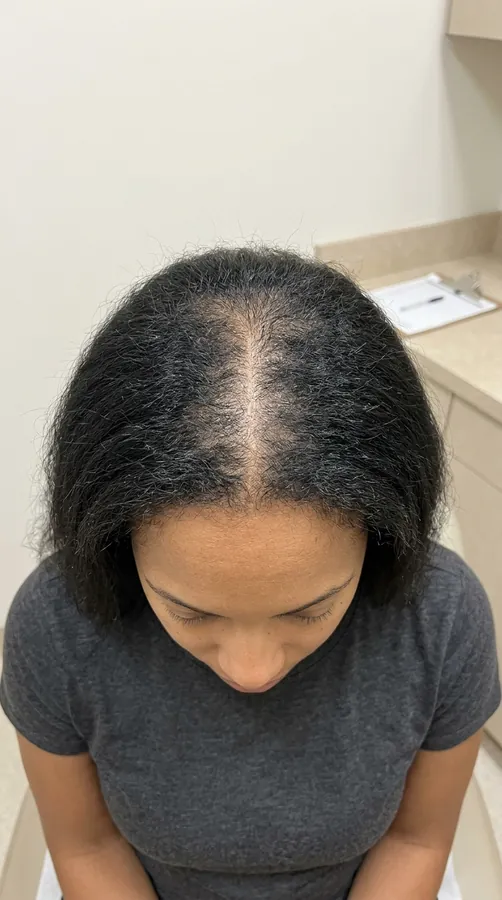
 Illustrative simulation
 Now
Now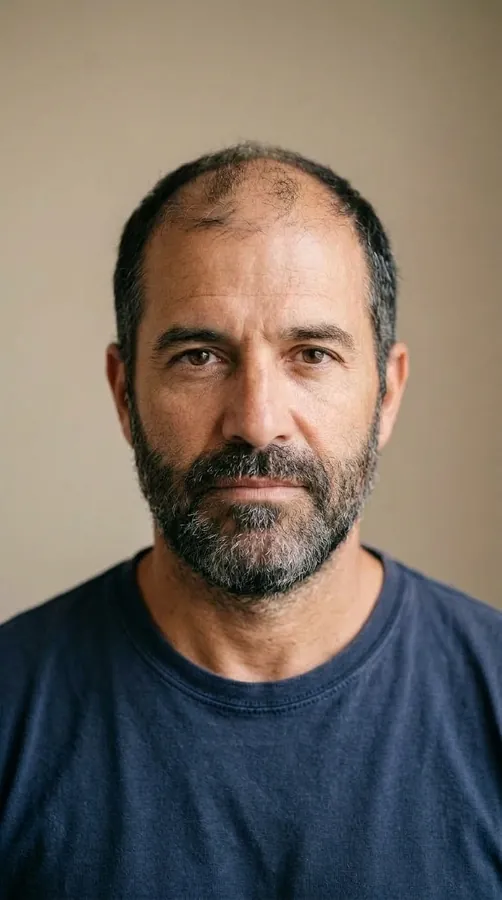 Illustrative simulation
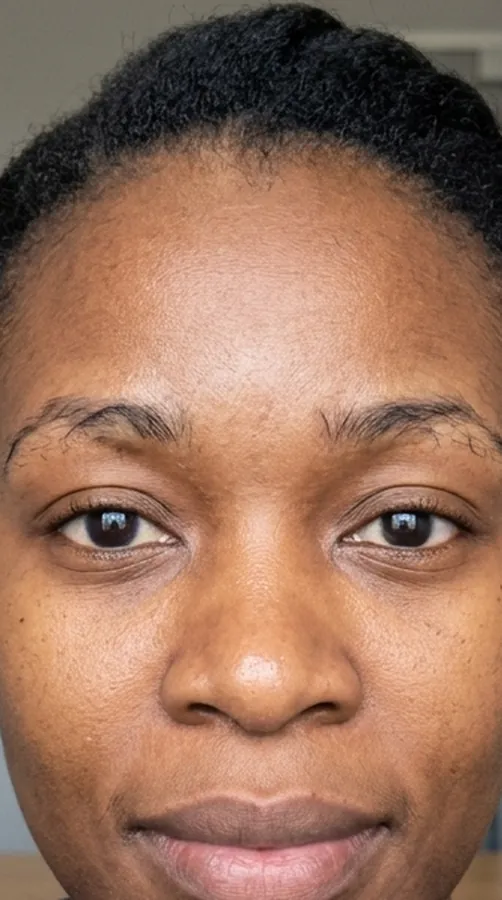 Now
Now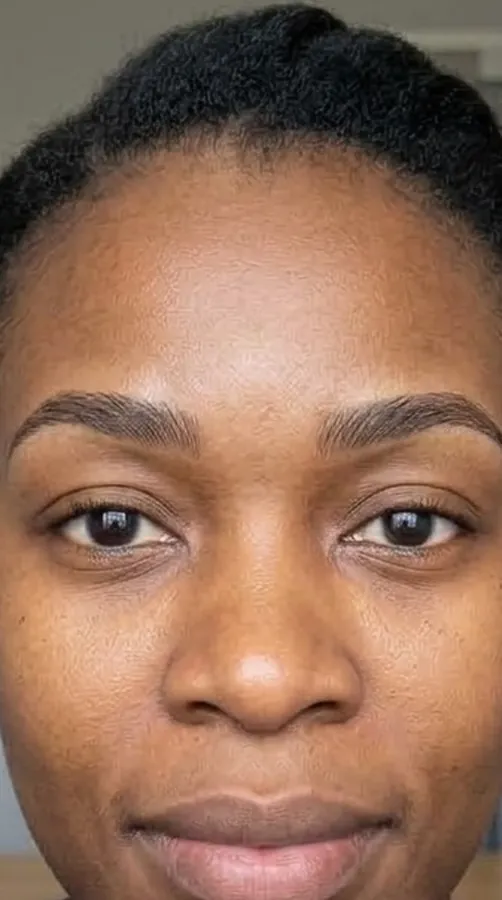 Illustrative simulation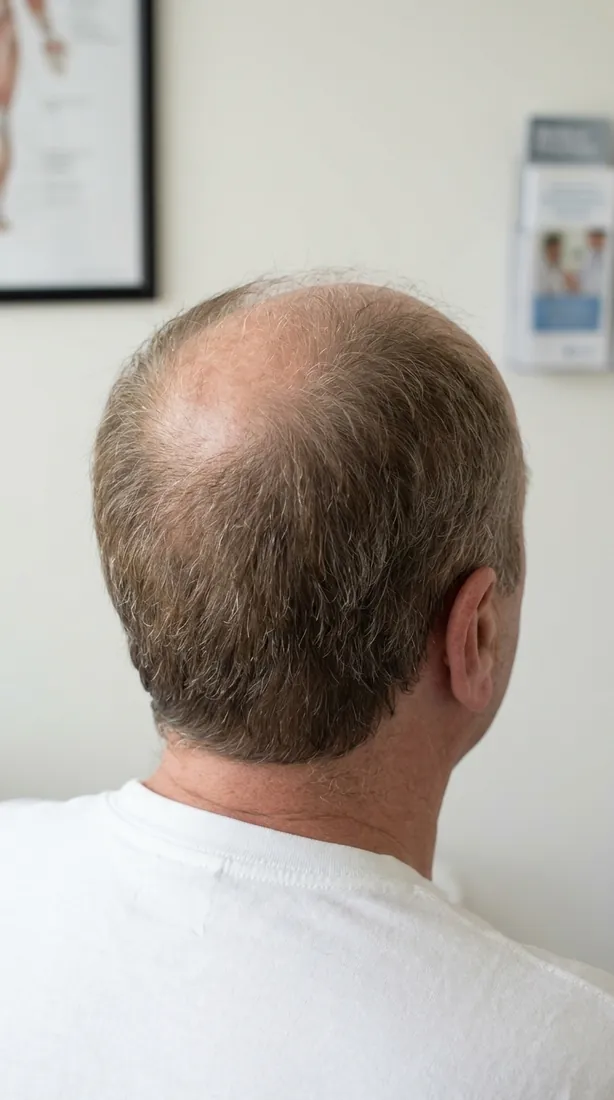
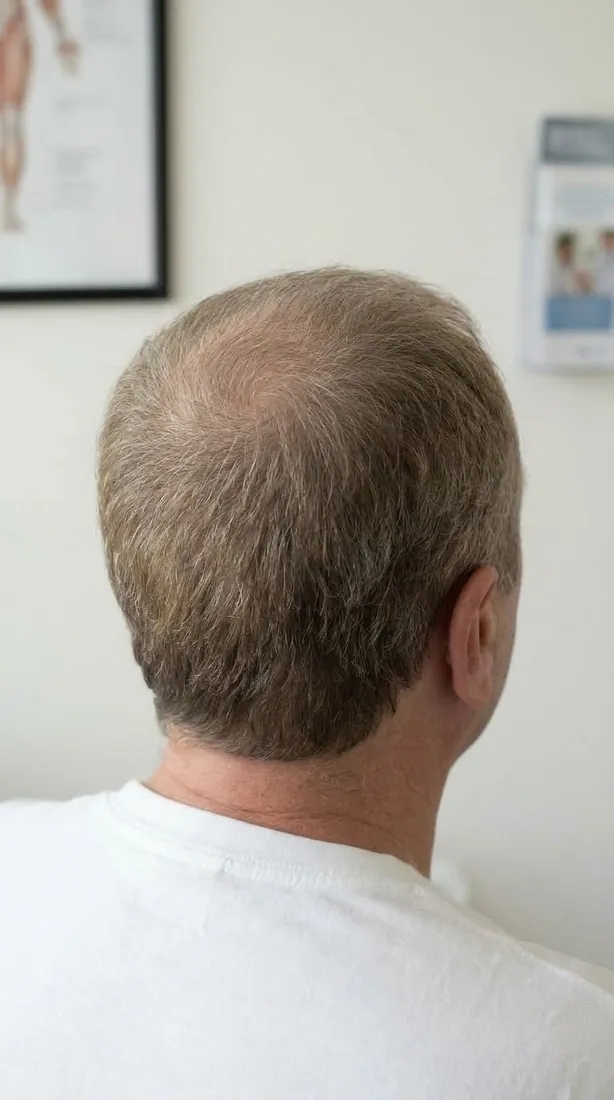 Illustrative simulation
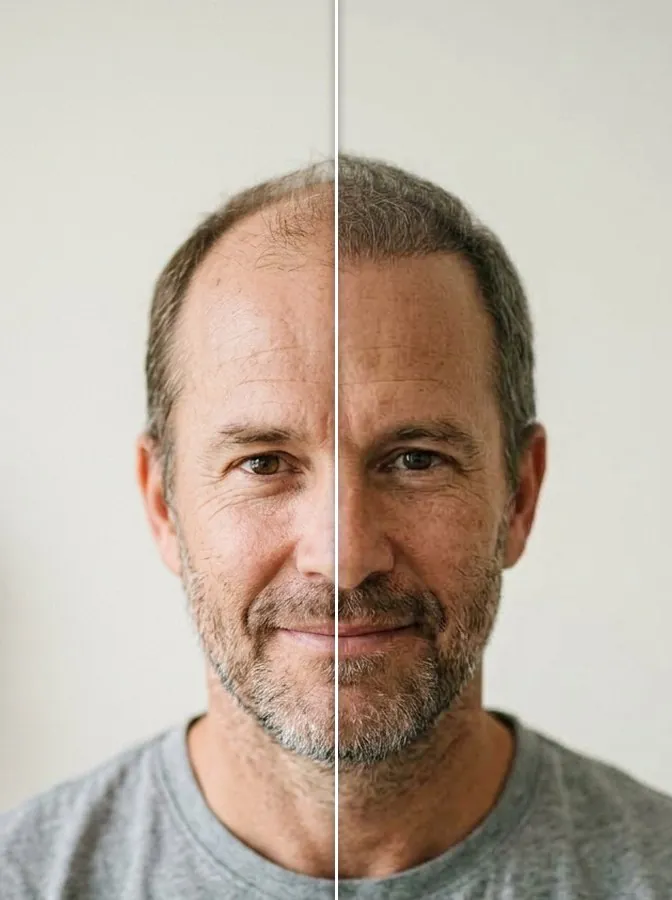
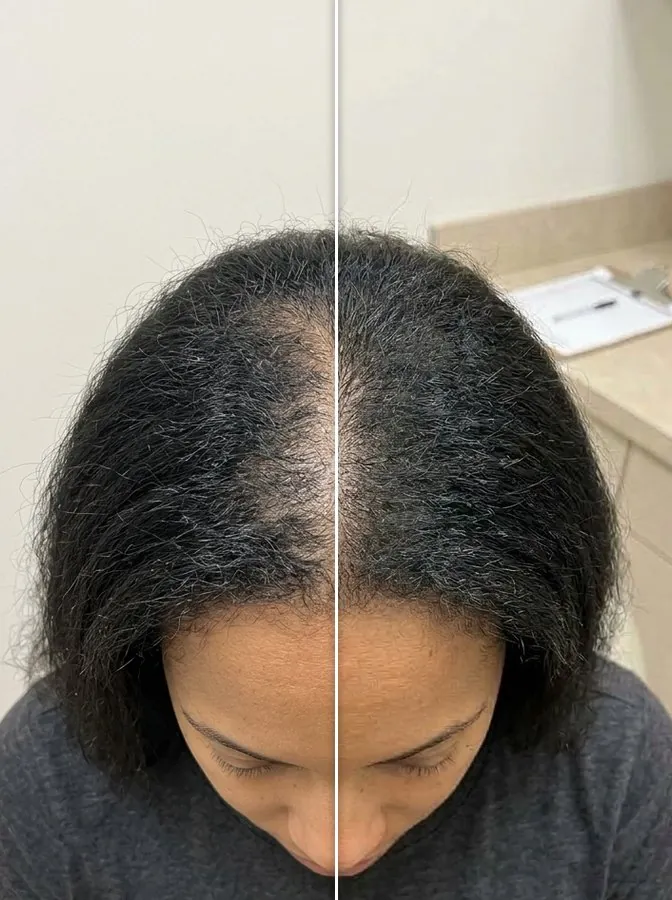
Before / after curtain
Drag the divider to compare the current photo with an illustrative simulation, side by side.
Hair, beard and eyebrows — separately or combined.
Plan a hairline and a beard in the same consultation and show them together in a single image. Eyebrow restoration is supported too.
 Now
Now Illustrative simulation
Hair
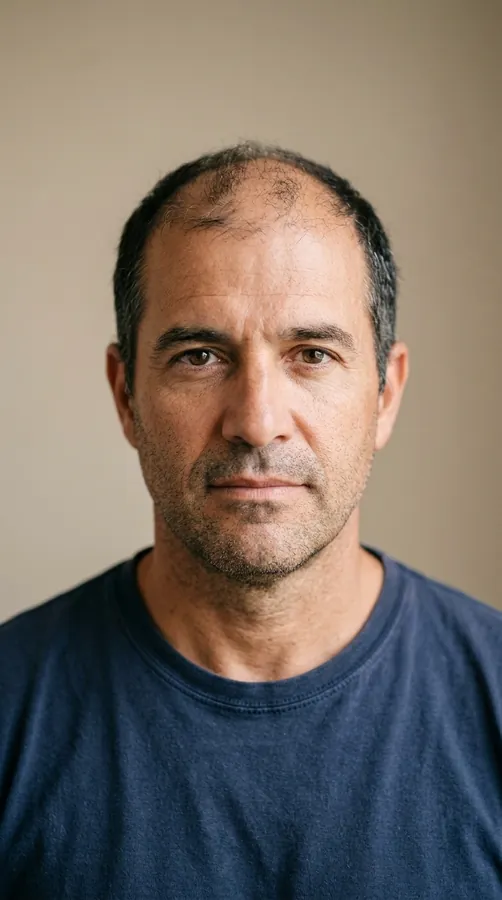
Hairline, temples, mid-scalp and crown, in Medium and Full stages, with an optional styling preview.
NowIllustrative simulationBeard
Density and shape, drawn by you on the patient’s own face.
NowIllustrative simulationEyebrows
Shape and fullness for eyebrow restoration.
 Now
Now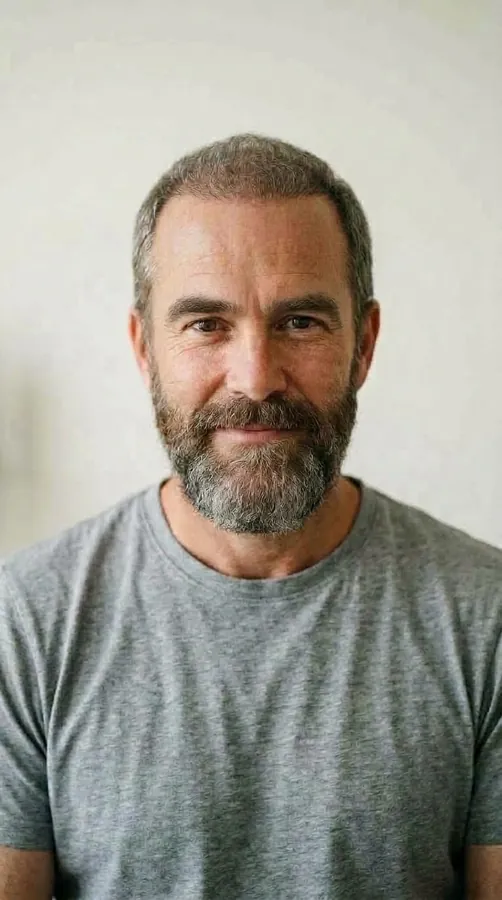 Illustrative simulation
Combined
Hair, beard and eyebrows together in one illustrative image.
The whole head, not just the forehead.
Front, 45°, profile, top and crown. HairDraw recognises the angle of each photo automatically, so the patient also sees the areas they never see in a mirror.
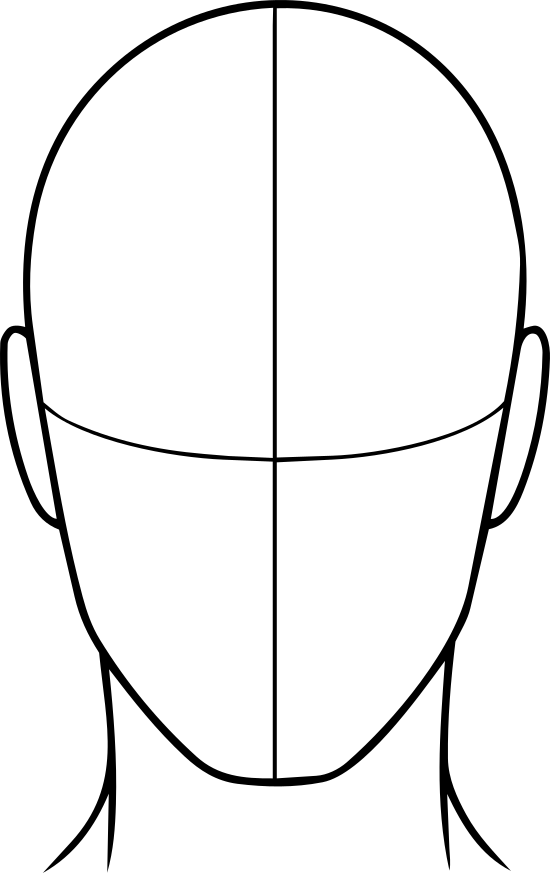 Front
Front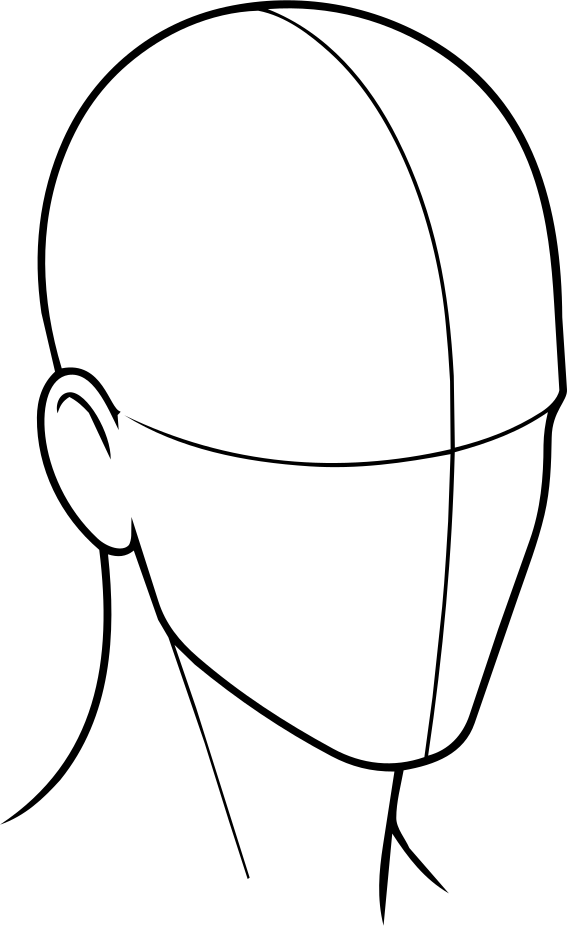 45°
45°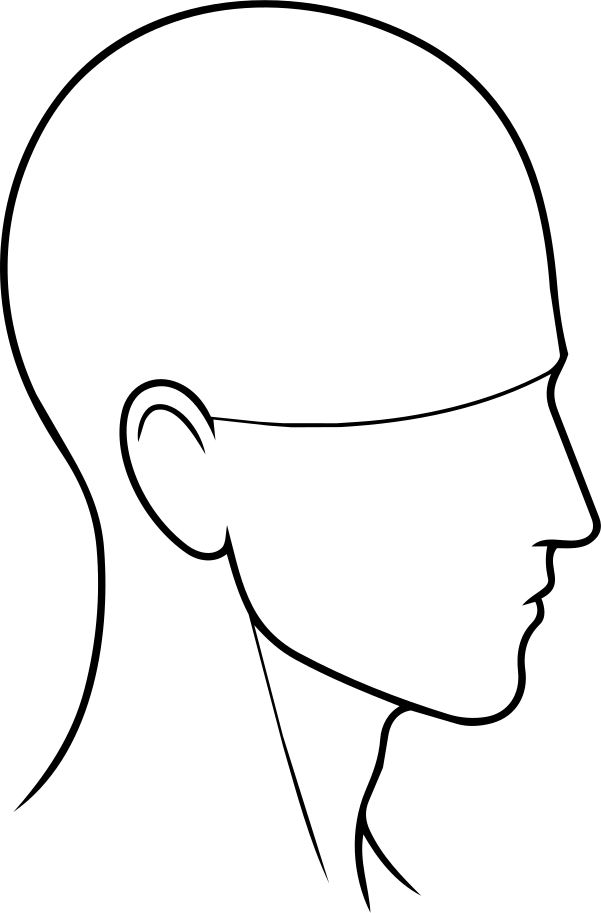 Profile
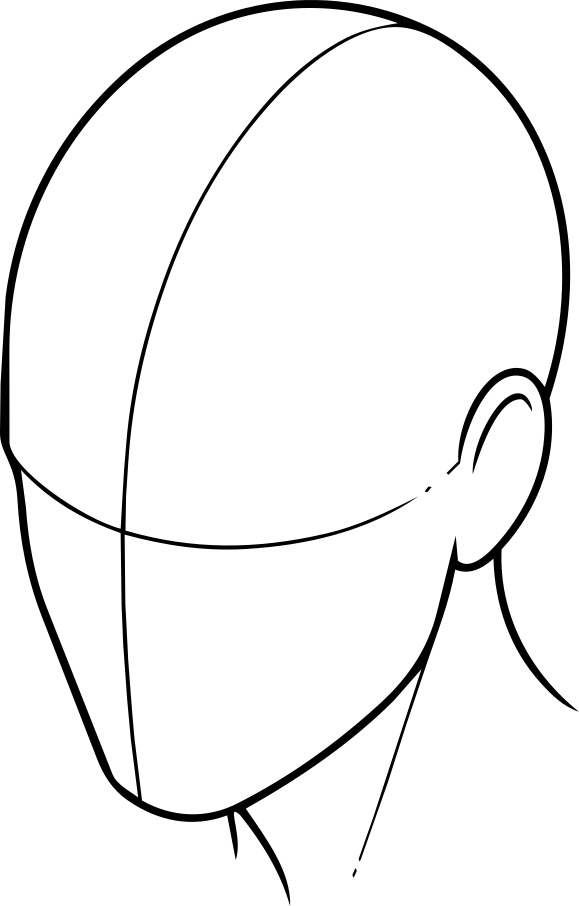 Top 45°
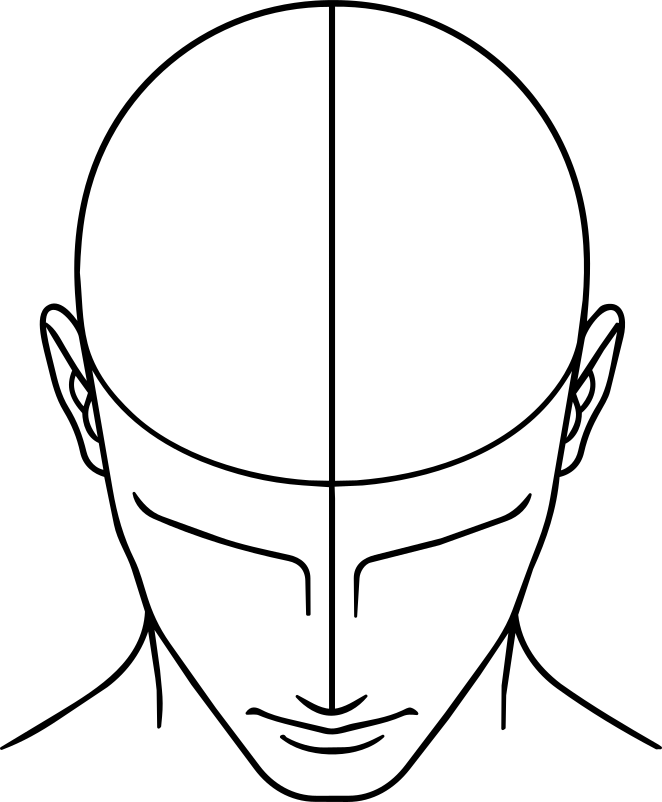 Top
Top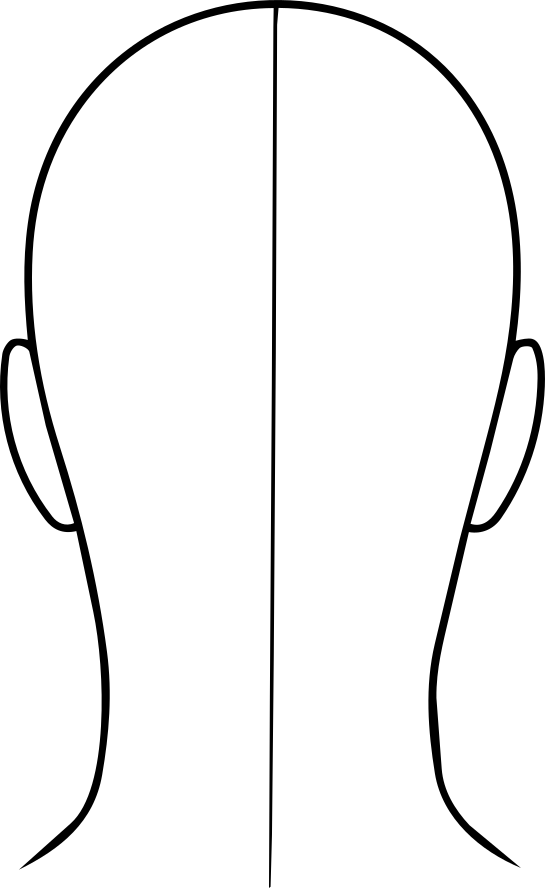 Back
Back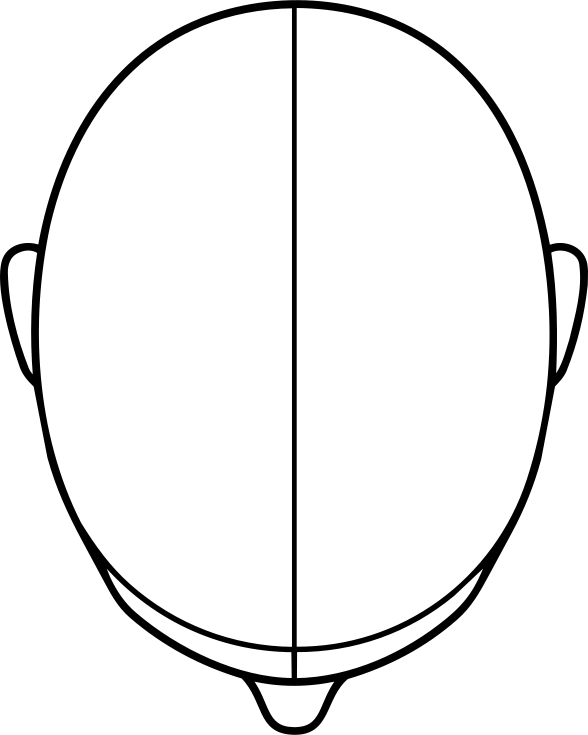 Top, back
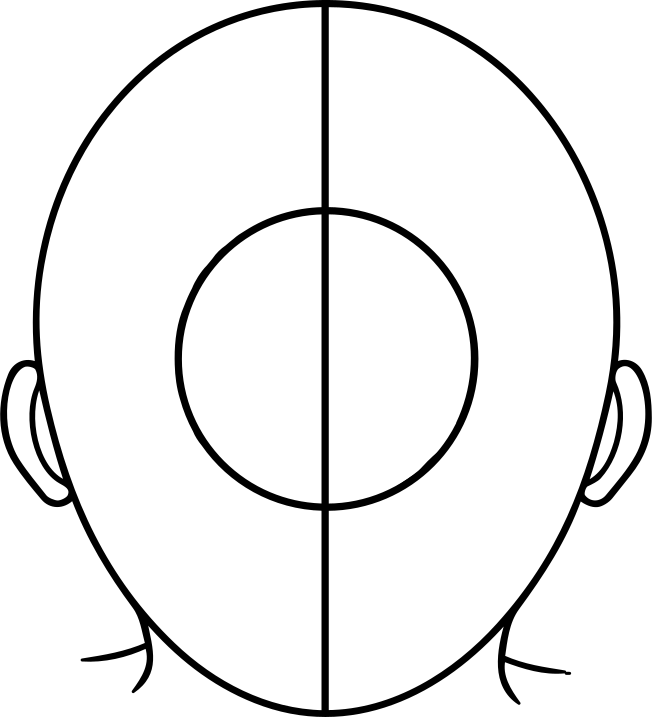 Crown
Crown
Built for the doctor, not a toy for the waiting room.
HairDraw supports your judgement; it never replaces it.
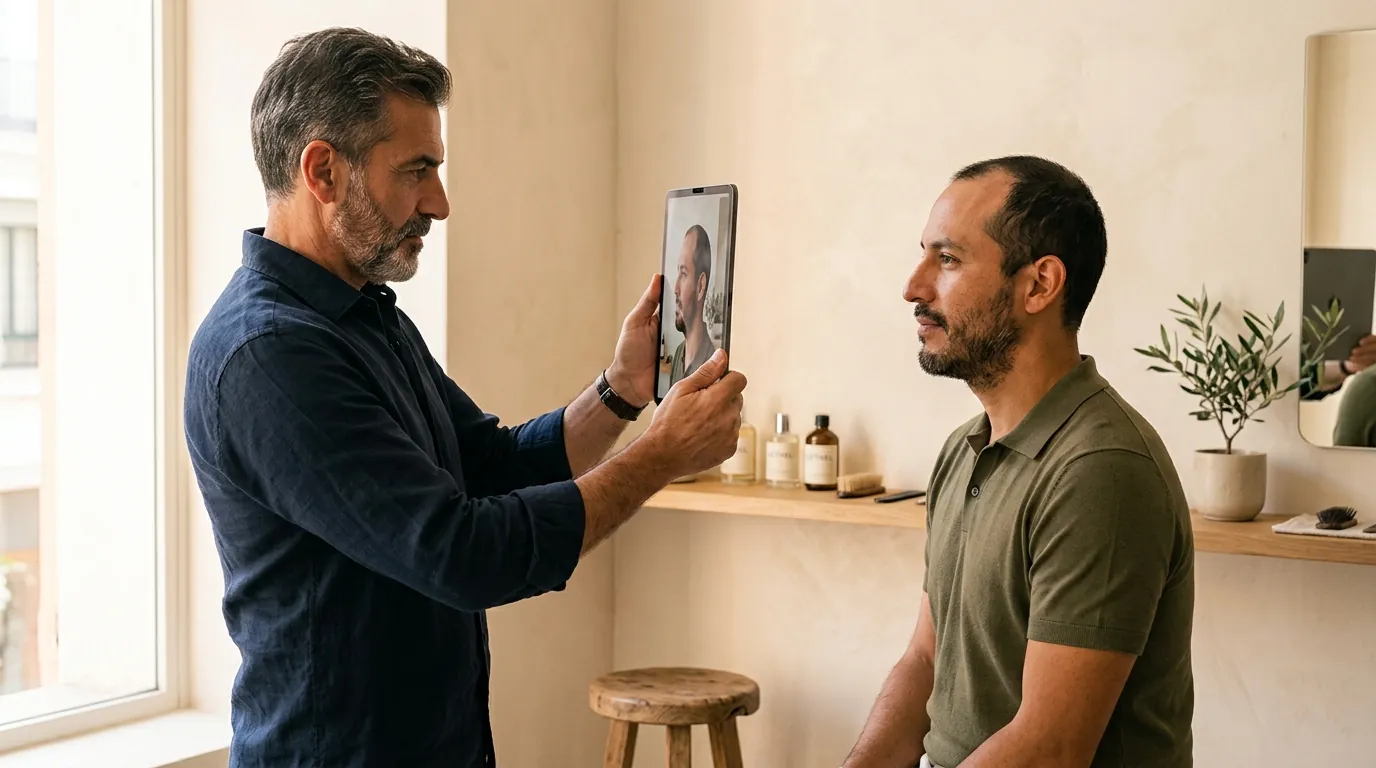

Doctor-controlled
You decide the line, the area and what to show. HairDraw does not diagnose, grade or recommend.
Your drawing, on record
Pen sketches and numbered notes are kept with the patient file and included in the consultation PDF.
Consent first
The doctor attests once that every patient they register is informed and agrees before photos and simulations — including that simulations are illustrative, not a promise or guarantee of results.
Audit trail
Captures, simulations and exports are logged, so every image shown can be traced.
Privacy
On the iPad and iPhone, patient photos are stored encrypted on the clinic’s device; in the web app they are stored encrypted on HairDraw’s servers in the EU, separated per clinic. Images are sent for processing only after the patient has agreed. Our AI provider does not train on them. Product improvement uses de-identified images only with separate, optional consent, off by default.
Five languages
English, Hebrew (right-to-left), Portuguese, Spanish and Korean — switch the app’s language in Settings.
What changes when the patient can see it.
- Engagement
Patients look at their own face, not a stranger’s gallery.
- Engagement
The cost of waiting becomes visible — and part of the decision.
- Engagement
Hair, beard and eyebrows in one image start a bigger conversation.
- Ease
Photograph, sketch, simulate: it fits inside the consultation you already run.
- Ease
Results in seconds, while you are still talking.
- Ease
No 3D scan, no extra hardware — just an iPad or iPhone.
- Ease
Five languages, so every patient hears it in their own.
- Closing
A shared picture of the plan makes “let me think about it” shorter.
- Closing
The patient leaves with a PDF of the plan, not just a quote.
- Trust
Every image is labelled “Illustrative simulation” — confidence without promises.
- Trust
Your drawing, the simulations and the consent, on record together.
How HairDraw differs.
A general comparison with the two most common kinds of tools. Individual products vary.
| HairDraw | Typical AI hair simulators | 3D consultation tools | |
|---|---|---|---|
| Who uses it | The doctor, in the consultation | Often the patient, at home or as a web lead form | The doctor |
| What guides the result | The doctor’s own sketch and notes | A painted area or a hairline template | A 3D planning model |
| Photorealistic, on the patient’s own photo | Yes | Yes | Usually a stylised 3D model |
| Projection if untreated | Yes | Rarely | Rarely |
| Several angles, detected automatically | Yes | Usually one frontal photo | Yes |
| Hair, beard and eyebrows combined | Yes | Usually hair only | Varies |
| Time to a result | Fast | Varies | Longer set-up |
| Consent and audit trail built in | Yes | Varies | Varies |
Based on our review of publicly available product information in 2026. Categories are generalised and no specific product is described.
Credits, not surprises.
Monthly subscription1 credit = 1 simulated image: a stage, the projection if untreated, a beard or eyebrow result, or a combined view. If a simulation fails, the credit is returned automatically.
Starter
To get started
US$149/month
100 simulations / month
- All core features listed below
Pro
For the growing clinic
US$299/month
300 simulations / month
- Everything in Starter
- Website simulator for your clinic (coming soon)
Clinic
For high-volume clinics
US$499/month
700 simulations / month
- Everything in Pro
- Several devices
- Your clinic’s branding on the PDF
- Worse · Now · Better, all stages
- Hair, beard, eyebrows and combined
- All angles, detected automatically
- Consultation PDF with your drawing
- Five languages
Prices in US dollars per month, excluding applicable taxes. Monthly subscription — cancel anytime. Running a pilot with a small group of clinics. Ask about a free trial when you book a demo.
Coming next.
Not yet available. Timing is not guaranteed.
Lobby capture
The patient is photographed at reception; illustrative simulations are ready when the doctor walks in.
Website simulator
A consent-first simulator on your clinic’s website that turns visitors into qualified consultations.
3D mode
A future view of the simulation around the whole head.
Web version
HairDraw in the browser on the doctor’s computer, alongside the iPad and iPhone apps.
Questions doctors ask.
Is a simulation a promise of results?
No. Every generated image is labelled “Illustrative simulation”, and the doctor attests that every patient is told it is not a guarantee. Real outcomes depend on the donor area, the procedure and individual healing — which only the doctor can assess.
Does HairDraw diagnose hair loss?
No. It does not classify, grade or recommend anything. The doctor decides what to draw and what to show.
How is patient data handled?
On the iPad and iPhone, patient photos are stored encrypted on the clinic’s device; in the web app they are stored encrypted on HairDraw’s servers in the EU, separated per clinic. Images are sent for processing only after the patient has agreed. Our AI provider does not train on them. Product improvement uses de-identified images only with separate, optional consent, off by default. Read the full privacy policy.
Does it work for women?
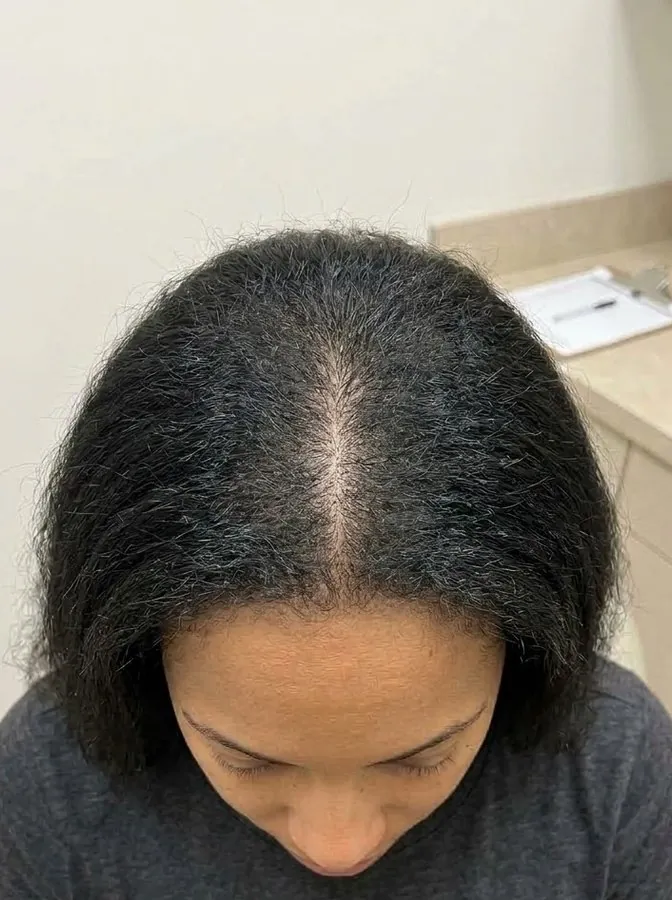
Yes. HairDraw can illustrate female patterns such as a widening part or diffuse thinning, as well as hairline changes.
What about beard and eyebrows?
Both are supported — separately, or combined with hair in a single image.
Which languages are available?
The app and this website are available in English, Hebrew (right-to-left), Portuguese, Spanish and Korean.
What hardware do I need?
An iPad or iPhone with an internet connection. No cameras, rigs or scanners.
How long does a simulation take?
Each simulated image typically takes about 10 to 40 seconds, and they are generated one after another while you keep talking with the patient.
Is there a contract?
No long-term contract. Plans are monthly subscriptions you can cancel at any time; access continues until the end of the month you paid for.
Is there a free trial?
We are running a pilot with a small number of clinics. Book a demo to ask about joining.
See it in your own consultation flow.
A 20-minute call. We show HairDraw on fictional patients — no patient data needed.
Doctor-controlled · Illustrative simulation · Not a promise of results